Demos
Recorded from a laptop, with the boards in another room. Every command is a
real panio call, run over SSH on the Raspberry Pi control host. Each
transcript is an asciinema cast from
docs/demo/
(asciinema play docs/demo/<name>.cast), with colors stripped.
Puppeting the NUC BIOS
lab-nuc-1 — Intel NUC11, AMI visual BIOS, Sipeed NanoKVM-USB · channels:
video + OCR, hid, serial.
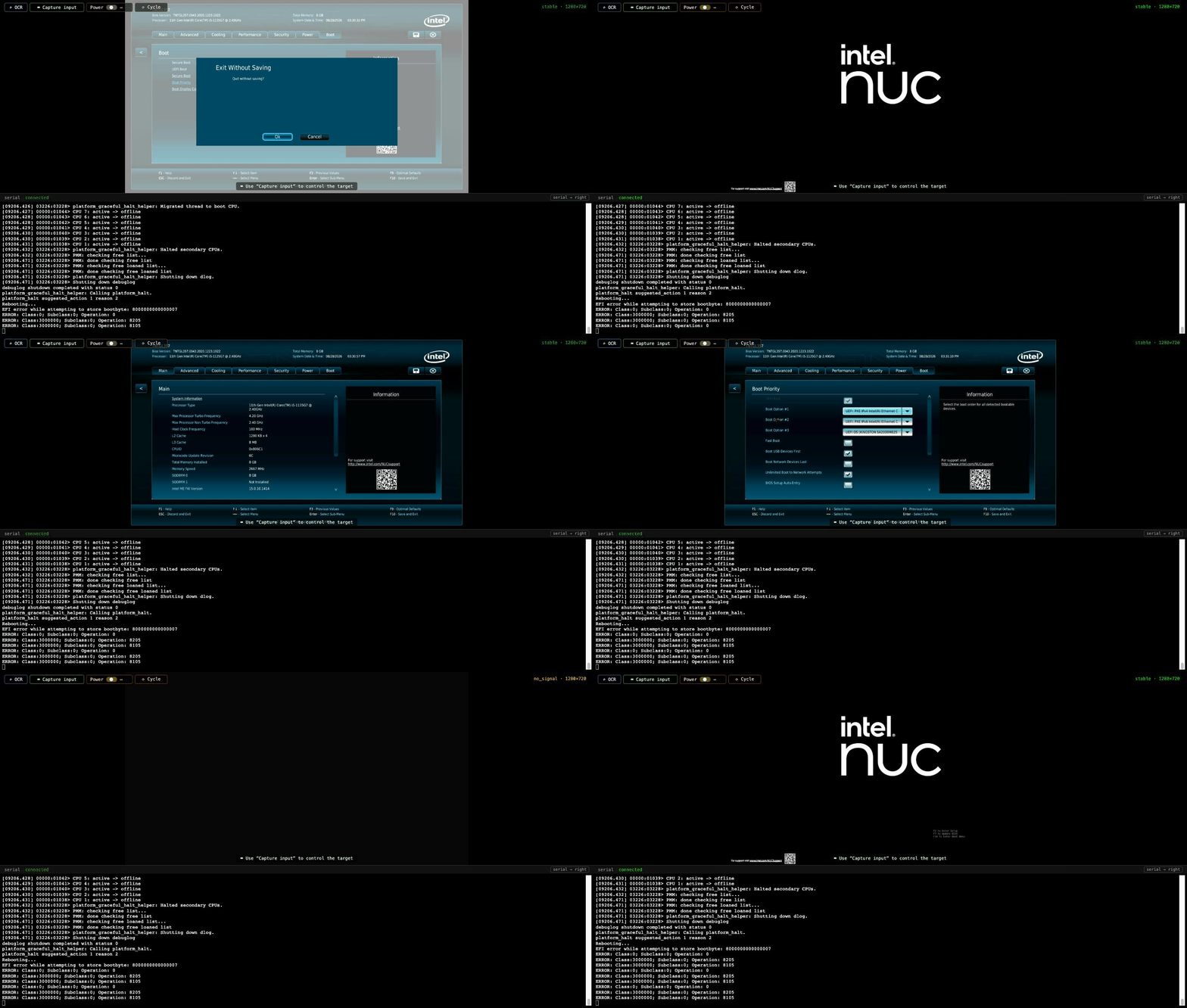
Starting in firmware setup, the agent OCRs the page, exits, hammers F2
during POST, waits (by OCR, not sleep) for setup to return, then mouses to Boot
Priority and backs out without saving. OCR lines are raw Tesseract output.
# lab-nuc-1 is an Intel NUC11 on the CI rack, parked in BIOS setup from an earlier take.
# Read the screen through the HDMI capture (OCR runs on the control host):
$ panio video read lab-nuc-1 | head -4
‘TNTGL357 |
Bios Version: TNTGL357.0043.2020.1223.1022 Total Memory: 8 GB tt >
Processor: 11th Gen Intel(R) Core(TM) i5-1135G7 @ 2.40GHz System Date & Time: 08/28/2026 03:30:25 PM intel >) |
| Main Advanced ‘Cooling Performance “Security Power Boot a ©

# Discard & exit to reboot it, then catch F2 during POST — the part that is hard to automate.
$ panio hid send -t lab-nuc-1 key ESCAPE
OK
$ panio hid send -t lab-nuc-1 key ESCAPE
OK
$ panio hid send -t lab-nuc-1 key ENTER
OK
$ for i in $(seq 30); do panio hid send -t lab-nuc-1 key F2 >/dev/null; done

# Wait for the firmware to come back, verified by OCR rather than a sleep:
$ until panio video read lab-nuc-1 | grep -q -i "bios version"; do sleep 2; done; panio video read lab-nuc-1 | head -3
TNTGL357
Bios Version: TNTGL357.0043.2020,1223.1022 Total Memory: 8 GB “7 >
Processor: 11th Gen Intel(R) Core(TM) i5-1135G7 @ 2.40GHz System Date & Time: 08/28/2026 03:30:52 PM Cntel >)

# In. Now drive it: absolute mouse to the Boot tab, then Boot Priority.
$ panio hid send -t lab-nuc-1 moveabs 19583 5871
OK
$ panio hid send -t lab-nuc-1 click left
OK
$ panio hid send -t lab-nuc-1 moveabs 5350 13970
OK
$ panio hid send -t lab-nuc-1 click left
OK
$ panio video read lab-nuc-1 | grep -i -E "boot option|pxe|kingston|fast boot"
Fast Boot i)

# Nothing to change today — back out without saving.
$ panio hid send -t lab-nuc-1 key ESCAPE
OK
$ panio hid send -t lab-nuc-1 key ESCAPE
OK
$ panio hid send -t lab-nuc-1 key ENTER
OK

# done.
Puppeting a live desktop
lab-pi-1 — Raspberry Pi 5, Pi OS desktop, Sipeed KVM-USB · channels: video,
hid.
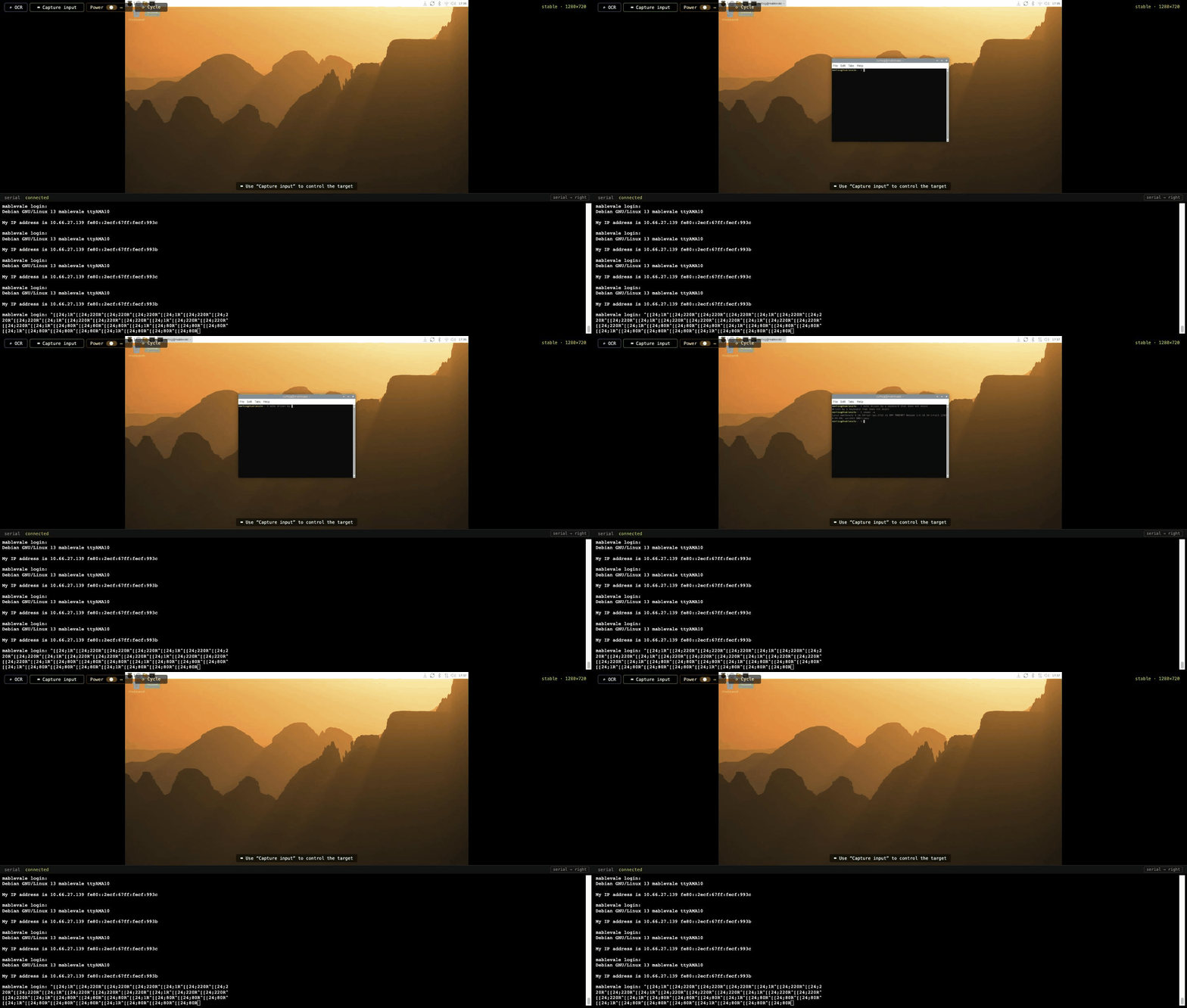
The agent clicks the taskbar terminal with the absolute pointer, types echo
and uname -a, then exits. After --, everything is text for type, not
options.
# A live desktop, seen through a capture dongle, driven by emulated HID.
# The pointer is absolute — put it in the middle of the screen:
$ panio hid send -t lab-pi-1 moveabs 16000 16000
OK

# Open a terminal from the taskbar:
$ panio hid send -t lab-pi-1 moveabs 2560 546
OK
$ panio hid send -t lab-pi-1 click left
OK

# Type into it — keystroke by keystroke, over the wire:
$ panio hid send -t lab-pi-1 type echo driven by a keyboard that does not exist
OK
$ panio hid send -t lab-pi-1 key ENTER
OK
$ panio hid send -t lab-pi-1 type -- uname -a
OK
$ panio hid send -t lab-pi-1 key ENTER
OK

# Leave it as we found it:
$ panio hid send -t lab-pi-1 type exit
OK
$ panio hid send -t lab-pi-1 key ENTER
OK

# video + hid: a KVM you can script.  github.com/curtisgalloway/panio
Out-of-band power over Intel AMT
This historical recording predates verified HTTPS defaults. It demonstrates power behavior, not current transport configuration or TLS compatibility. For current use, configure a certified hostname and trust, or explicitly opt in to legacy HTTP in all four hooks; see AMT transport and migration.
optiplex — Dell OptiPlex 7060, Intel AMT/vPro, no plug and no relay ·
channel: power (amt helper).
AMT powers the box through the chipset's Management Engine over Ethernet,
even when it is off. power off bypasses the OS, power-state reads OFF
from the ME itself, and power on restores it.
# This target has no smart plug and no relay. Its power facility is
# Intel AMT: the Management Engine inside the chipset, reached over
# one ethernet cable — even when the machine is off.
$ panio power-state optiplex
Power ON  (optiplex)

# Kill it. The OS is not consulted.
$ panio power off optiplex
Powering off 'optiplex' via panio helper amt off -d 192.168.99.50 -u admin
power: off
Power off complete.
$ panio power-state optiplex
Power OFF  (optiplex)

# The host is dead — that answer came from the ME on the standby rail.
$ panio power on optiplex
Powering on 'optiplex' via panio helper amt on -d 192.168.99.50 -u admin
power: on
Power on complete.
$ panio power-state optiplex
Power ON  (optiplex)

# True out-of-band power with real state readback: panio's amt helper.
Cold-booting a Pi and catching it die
lab-pi-1 — Raspberry Pi 5, USB-C power through a relay board on the control
host, FTDI console · channels: power, serial.
power-cycle cuts USB power for five seconds while the serial daemon records
the boot. The log shows power-on-reset 1 (a real cold start) and a login
prompt about 35 seconds later.
This transcript predates #259. Since then, a target with a state_cmd makes
power-cycle wait until power is back on before it prints Power cycle
complete, so the Power OFF reading below comes from the old behavior.
# lab-pi-1: a Raspberry Pi 5 on the CI rack, driven from another room.
# Its USB-C power feeds through a relay board on the control host.
$ panio power-state lab-pi-1
Power ON (lab-pi-1)
# Cycle it, and catch the machine dying:
$ panio power-cycle lab-pi-1
Power cycling 'lab-pi-1' via python3 usbrelay.py --port /dev/serial/by-id/usb-Raspberry_Pi_Pico_AA00BB11CC22DD33-if02 cycle 1
OK cycle 1 5.0
Power cycle complete.
$ panio power-state lab-pi-1
Power OFF (lab-pi-1)
# VBUS is cut. Five seconds later power returns, and the serial capture
# daemon records every byte of the cold boot. Waiting for the login prompt...
.....
$ panio serial log lab-pi-1 --since 175 | grep -E 'BOOTSYS release|power-on-reset|best-mode|kernel_2712.img|BL31|Debian GNU|login:' | head -12
[2026-08-28T00:56:38.774Z] #176 1.19 RPi: BOOTSYS release VERSION:086b83e3 DATE: 2026/05/26 TIME: 16:01:25
[2026-08-28T00:56:38.774Z] #180 1.21 POWER_OFF_ON_HALT: 0 WAIT_FOR_POWER_BUTTON 0 power-on-reset 1
[2026-08-28T00:56:43.249Z] #271 5.69 MESS:00:00:05.694778:0: HDMI0: best-mode 2 (limit 2) 1920x1080 60 Hz CEA modes 30001980078200f00100008010000000 extensions 1
[2026-08-28T00:56:44.919Z] #297 7.36 Loading 'kernel_2712.img' to 0x00000000 offset 0x200000
[2026-08-28T00:56:45.351Z] #298 7.15 Read kernel_2712.img bytes 10172022 hnd 0x13b43
[2026-08-28T00:56:46.267Z] #312 NOTICE: BL31: v2.6(release):v2.6-240-gfc45bc492
[2026-08-28T00:56:46.267Z] #313 NOTICE: BL31: Built : 12:55:13, Dec 4 2024
[2026-08-28T00:57:01.473Z] #315 Debian GNU/Linux 13 lab-pi-1 ttyAMA10
[2026-08-28T00:57:01.473Z] #319* lab-pi-1 login:
# power-on-reset 1 — a genuine cold boot, back to a login prompt in ~35 s.
# serial + power + video + HID, one CLI: github.com/curtisgalloway/panio
Stills
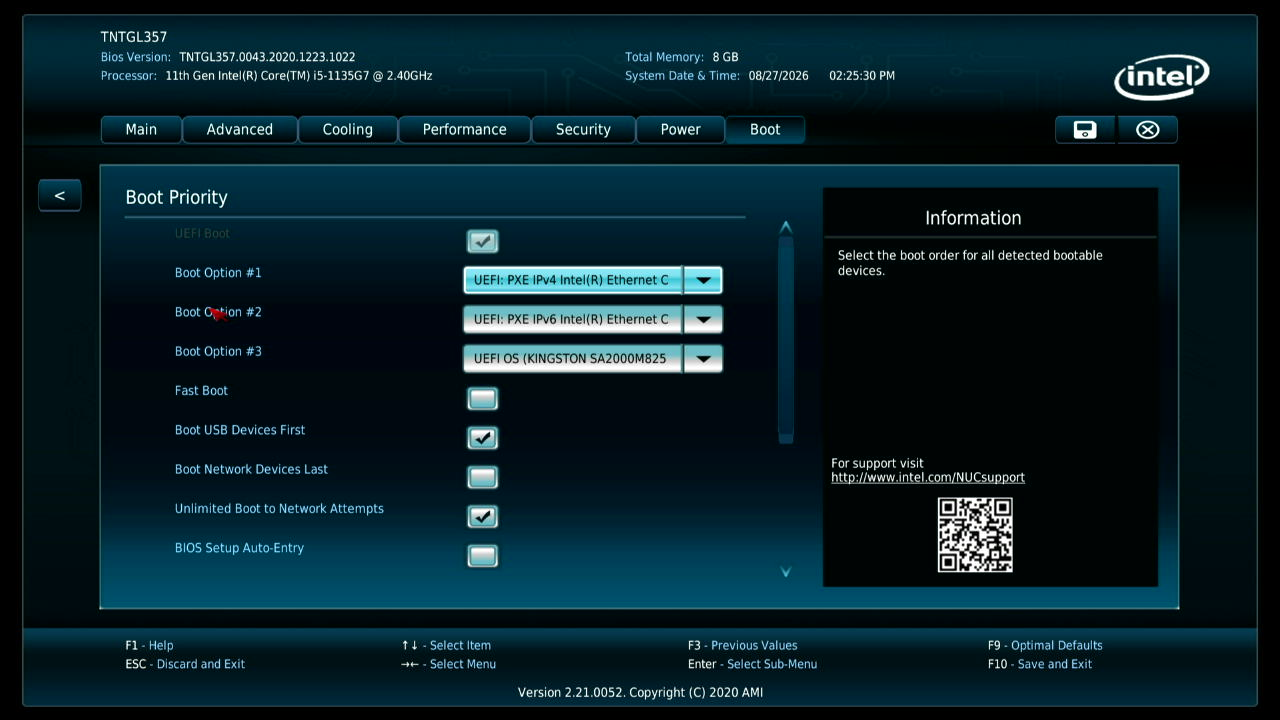
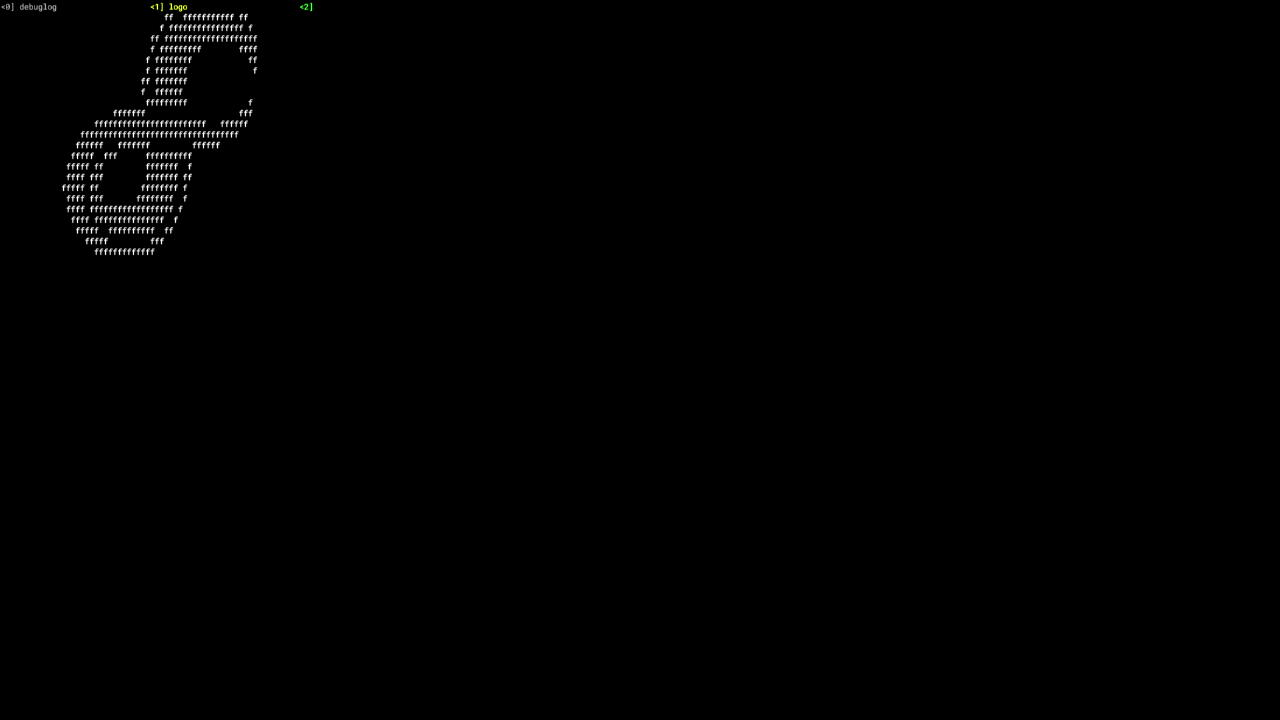
Single frames from the same captures (1280×720).
 |
 |
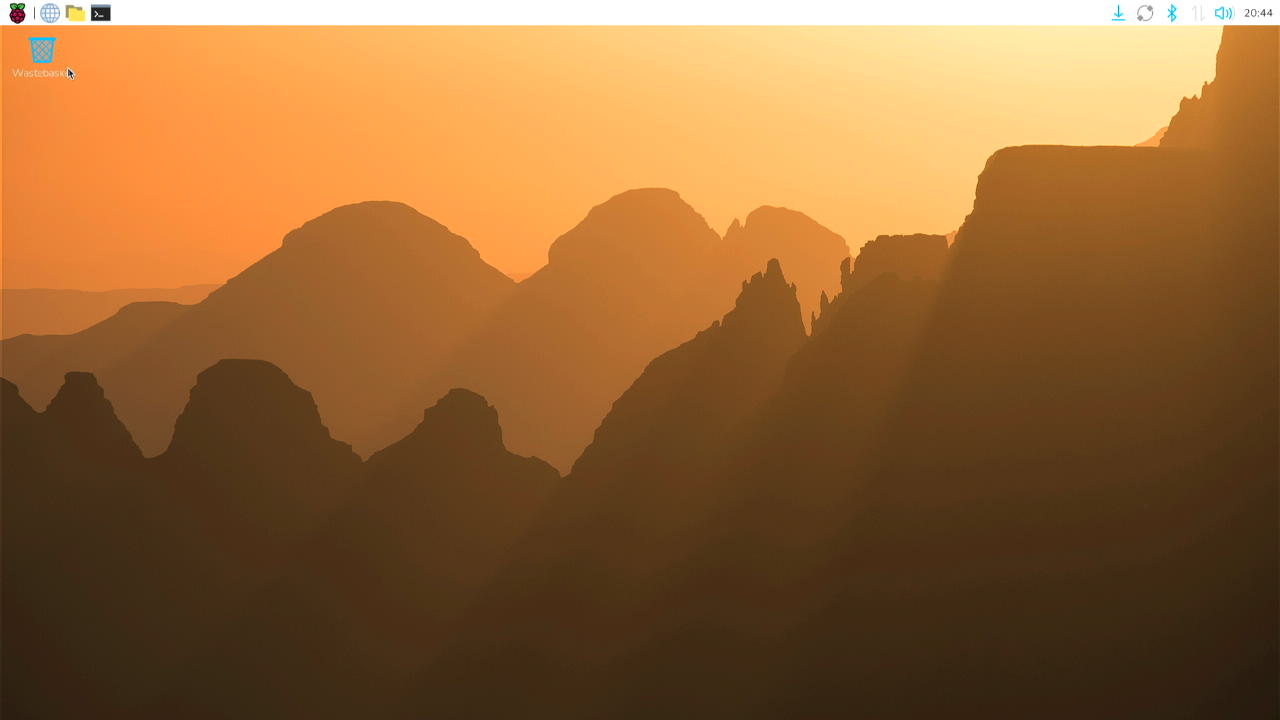 |
| NUC11 firmware, Boot Priority — reached by mouse | The same NUC booted into Fuchsia | Pi OS desktop on lab-pi-1 |